
Best Compact Laptops for New York Apartment Living
Living in a New York apartment teaches you the art of maximizing limited square footage. Studio layouts and compact one-bedroom spaces demand clever furniture arrangements, multipurpose work areas, and streamlined electronics. When your kitchen counter, dining nook, and living room merge into a single zone, a bulky desktop setup simply creates unnecessary clutter. Selecting the right compact computing device transforms your daily routine, letting you transition effortlessly between tight urban workstations and vibrant neighborhood coffee shops.
The Reality of Small Space Workstations in NYC
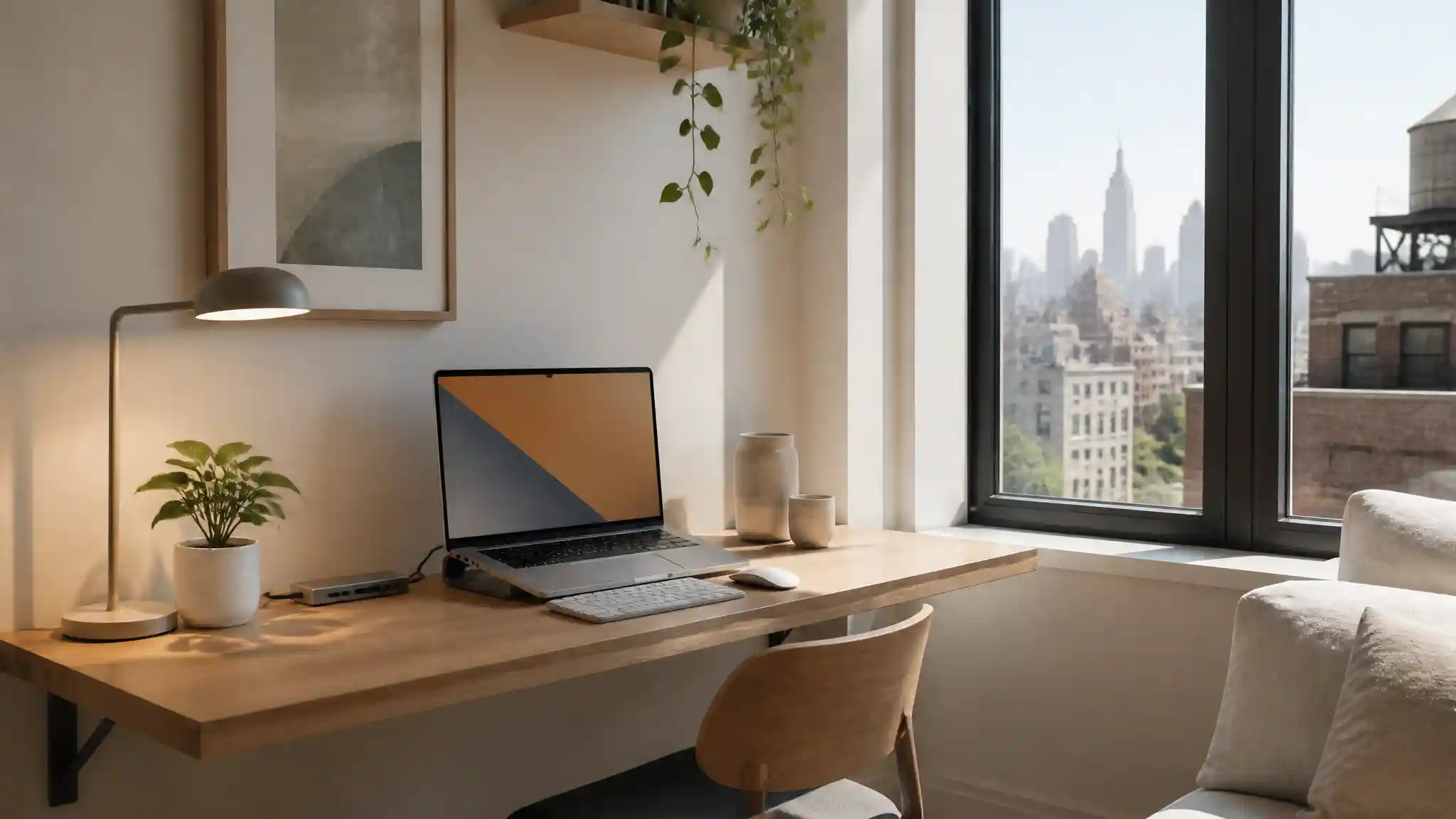
Urban apartments across Manhattan and Brooklyn celebrate minimalist aesthetics out of sheer necessity. A massive tower computer with dual external monitors and tangled cables swallows precious surface area. Portable technology provides the freedom to claim any corner as your temporary office. You can complete a morning report at a floating wall desk, review project designs on the couch, and stow your setup away before dinner guests arrive. Lightweight machinery ensures your home feels open and organized rather than dominated by bulky hardware.
Essential Features for City-Centric Computing
Finding the ideal device for metropolitan living involves balancing compact form factors with uncompromised computing speed. You need a chassis sleek enough to slide into a commuter backpack while maintaining the performance required for intensive applications.



Display dimensions around thirteen to fourteen inches offer the ideal balance between readable screen area and portable physical dimensions. High-resolution panels with anti-glare coatings minimize eye strain under harsh interior lighting or bright cafe windows. A modern slim bezel design maximizes visual area without expanding the outer chassis footprint.
All-day battery longevity stands as an absolute priority. New York living frequently pulls professionals out of their apartments into communal lounges, coworking desks, and corner cafes where power outlets remain scarce. A system that delivers twelve or more hours of uninterrupted battery performance frees you from carrying bulky power bricks.
Small living spaces amplify distracting noises. Selecting a machine equipped with whisper-quiet thermal engineering or fanless architecture keeps your living space calm. Quiet operation prevents high-pitched fan whine from interrupting your focus or waking a partner resting a few feet away.
Modern USB-C ports with Thunderbolt compatibility allow rapid charging and seamless single-cable docking. When you return home, plugging in one cord connects your machine to peripherals while keeping wire clutter completely hidden.
Transitioning Beyond the Living Room
The New York lifestyle rarely stays confined inside four walls. Your chosen laptop must transition seamlessly from a compact breakfast bar to the subway train, and straight onto an outdoor rooftop patio. Durable aluminum chassis construction withstands daily urban transit bumps and crowded subway platform jostling. Featherlight construction prevents shoulder fatigue during brisk cross-town walks.
Fast, reliable Wi-Fi 6E connectivity ensures uninterrupted data streaming and smooth video conferencing even in dense apartment buildings where dozens of overlapping router networks compete for bandwidth. Premium built-in microphones with intelligent background noise cancellation filter out sirens, street construction, and subway rumbles during urgent remote calls.
Top Recommended Laptop for NYC Apartments
When choosing a device that excels across small-space usability, premium durability, and extended battery life, the Apple MacBook Air (13-inch, M5 chip) represents the premier choice. Available directly on Amazon.com, this machine delivers an ultra-thin 0.44-inch profile, an entirely fanless silent design, up to 18 hours of battery performance, and a stunning Liquid Retina screen that fits naturally into any modern city lifestyle.
Practical Tips to Optimize Your Small Desk Setup
Creating a productive micro-workstation in your apartment requires thoughtful organization:
- Elevate your device on a collapsible aluminum stand to improve ergonomic posture and free up valuable desk surface underneath for notebooks and writing tools.
- Pair your machine with low-profile wireless input accessories to eliminate unsightly cords across your primary living room furniture.
- Invest in multi-port USB-C hubs that clip directly onto table edges to prevent cable tangles from spreading across narrow surfaces.
- Position your desk perpendicular to your apartment windows to maximize daylight while reducing direct glare across your monitor glass.
Final Thoughts on Urban Productivity
Urban living requires smart lifestyle choices that balance style, efficiency, and functional space planning. Investing in a lightweight, high-performance compact laptop ensures your micro-apartment remains a relaxing sanctuary while empowering you to run an agile, productive workstation from any corner of the city.









