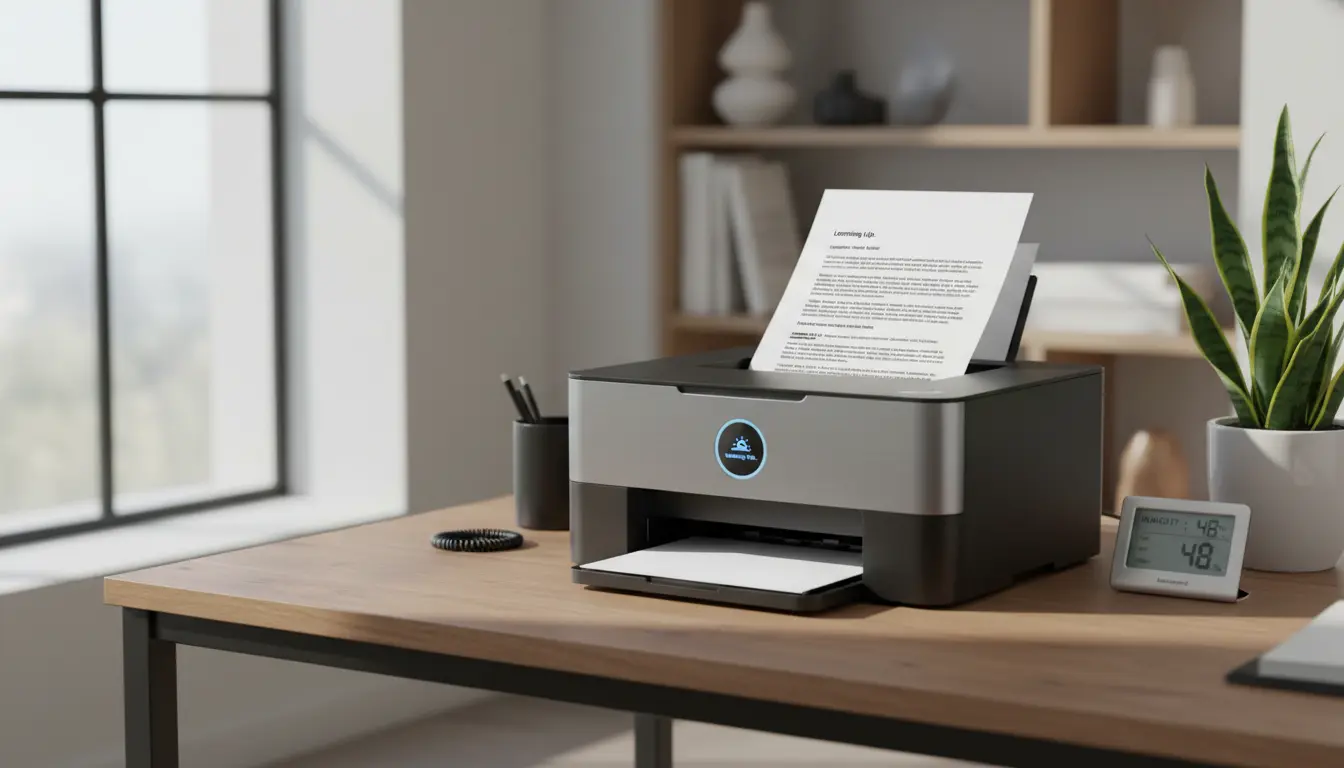

The Best Printers That Won’t Clog During Long Standby
When you don’t print every day, one of the most frustrating issues is clogged printheads. You turn on your printer after a few weeks, only to find streaky lines, missing colors, or an error that wastes time and ink. If you want a printer that can tolerate long periods of inactivity without clogging, the right choice of technology, printhead design, and maintenance features matters more than flashy specs. This guide explains why some printers resist clogs better than others, how to pick a low-maintenance model that fits your usage, and which features genuinely help keep your prints clean and consistent over time.
Why Printers Clog During Standby
Clogging typically happens when liquid ink dries inside microscopic nozzles. Three core factors drive this:
- Ink chemistry: Dye vs. pigment-based inks dry at different rates and behave differently on the printhead.
- Printhead design: Permanent (fixed) heads are more prone to long-term drying issues than disposable heads because wear accumulates and clogs become harder to recover.
- Environment and usage: Warm, dry rooms accelerate evaporation; infrequent use gives dried ink more time to set.
Laser printers are immune to “ink” clogs because they use toner (powder), not liquid ink. That said, laser printers can suffer from other standby issues (e.g., toner clumping in very humid environments), but they generally start cleanly after long idle periods.


Inkjet vs. Laser for Long Standby
- Laser printers (toner-based): Best overall for long standby. There’s no liquid to dry out, and startup is usually reliable even after weeks or months. If you print mostly text and simple graphics, a monochrome or color laser is the easiest “no clog” choice.
- Inkjet printers with disposable cartridges (thermal inkjet): Brands like HP and some Canon models integrate the printhead into the cartridge. Each time you replace the cartridge, you effectively refresh the head, which reduces persistent clog risks.
- Inkjet printers with permanent printheads (piezo, e.g., many Epson models): These can deliver excellent photo quality and low running costs with EcoTank/Supertank systems, but permanent heads demand periodic maintenance. If you go weeks without printing, automatic cleaning cycles and high-quality pigment inks help but don’t eliminate risk.
- Supertank/EcoTank-style inkjets: Inks are cheaper per page and maintenance routines are better on many newer models, but permanent heads still need regular activity to stay pristine. If you print at least a test page every week or two, these can be cost-effective and reliable.
Key Features That Reduce Clogging Risk
- Auto-clean cycles and scheduled maintenance: Printers that periodically agitate ink, run brief purges, or seal nozzles during sleep reduce drying. Look for models with intelligent maintenance firmware.
- Sealed capping stations: A good cap seals the printhead nozzles when the printer is off, slowing evaporation.
- Pigment black for text: Pigment-based black ink resists smearing and can be less prone to problematic drying than some dye formulations. For color, quality pigment sets are ideal, though many photo printers use dye for vibrancy.
- Replaceable printheads or cartridge-integrated heads: If clogs occur, swapping the head resets your baseline.
- Strong driver/software utilities: Easy access to nozzle checks, head cleaning, and alignment helps you recover quickly after long idle periods.
Practical Picks by Use Case
Note: Model names evolve frequently; use these criteria to guide your selection within each brand’s current lineup.
- Mostly Text, Rare Color: Monochrome Laser
- Why: Zero ink drying, minimal fuss, crisp text, long-dormant reliability.
- What to look for: Standard toner cartridges, a decent duty cycle, and low cost per page. Duplex printing is a plus. If you occasionally need color, consider a color laser instead.
- Mixed Office Use, Infrequent Printing: Color Laser
- Why: Same anti-clog advantage with color capability.
- What to look for: Affordable color toner, reasonable replacement drum costs, and good driver support for macOS/Windows.
- Occasional Photos + Documents, Want Low Cost Per Page: Thermal Inkjet with Cartridge-Integrated Heads
- Why: If a clog happens after a long standby, replacing the cartridge restores performance. Less long-term risk than permanent-head inkjets.
- What to look for: Models that bundle both black and color as separate cartridges (or individual tri-color plus black), reliable cleaning cycles, and readily available consumables.
- Frequent Batches but Infrequent Weeks: Supertank Inkjet with Strong Maintenance
- Why: Very low running costs for batch jobs. If you can commit to a brief test print every 1–2 weeks, these can be dependable and economical.
- What to look for: Pigment black for documents, sealed capping, scheduled clean cycles, easy nozzle checks, and well-reviewed reliability after sleep.
Usage and Environment Tips to Prevent Clogs
- Print a nozzle check or a small test page weekly: A single-page color ring or alignment check keeps ink moving.
- Keep the printer plugged in: Many models perform protective routines only in standby power. If you cut power completely, you bypass those routines.
- Control the environment: Avoid direct sunlight, excessive heat, or very dry air. A stable, moderate humidity environment slows evaporation.
- Use genuine or high-quality third-party inks carefully: Low-quality ink can increase clogging and color inconsistency. If you rely on long idle periods, err on the side of OEM or highly reputable alternatives.
- Don’t power-cycle aggressively: Let the printer sleep. Repeated full on/off cycles can consume ink in cleaning processes and disturb seals.
- Store spares properly: Keep backup cartridges sealed in their original packaging to preserve ink quality.
TCO and Reliability Considerations
Many users fixate on sticker price but forget the total cost of ownership (TCO). For long-standby scenarios:
- Laser TCO: Toner may cost more upfront but usually lasts a long time, and you avoid ink waste from cleaning cycles. Fuser units and drums eventually need replacement, but at long intervals.
- Inkjet TCO: Infrequent use can lead to frequent cleaning cycles that consume ink. Supertank models offset this with very low per-milliliter ink cost, but only if you print enough over time to realize those savings. If you print extremely rarely, a simple laser may still be cheaper and more reliable overall.
Decision Framework
Ask yourself:
- Do you print less than once every two weeks? If yes and your needs are mainly documents, choose a laser.
- Do you occasionally need high-quality color graphics but still print rarely? Consider a color laser.
- Do you care about photo quality on glossy paper? If yes, and you can commit to a weekly test page, a well-reviewed EcoTank/Supertank or a thermal inkjet with replaceable heads can work. If you cannot commit, lean laser.
- Do you want the lowest hassle? Monochrome laser is the least maintenance.
Quick Checklist When Buying
- Technology: Prefer laser for long idle periods, or thermal inkjet with replaceable heads if you must go inkjet.
- Maintenance: Confirm auto-clean, capping, and easy nozzle checks.
- Consumables: Check cost/availability of toner or cartridges and any maintenance kits.
- Reviews: Look for “cold start” or “after long standby” feedback in user reviews.
- Connectivity: Ensure Wi‑Fi reliability; a shaky connection can masquerade as printer faults.
Bottom Line
For the vast majority of users who leave their printer idle for weeks, a laser printer—especially a reliable monochrome model—is the most “no-clog” option. If you need color infrequently, a color laser keeps the same advantage with slightly higher costs. If you truly want inkjet benefits like vivid photos or ultra-low per-page costs from a Supertank, plan for a simple routine: keep it powered, print a short test weekly, and use quality inks. With the right match between your usage pattern and printer technology, you’ll avoid dried nozzles, wasted ink, and frustrating maintenance cycles.
- Best simple, low‑maintenance text printer (Monochrome Laser)
- Brother HL‑L2350DW Monochrome Laser Printer
- Why it’s good: Toner-based (no liquid ink), dependable cold starts after long idle, compact footprint, auto duplex, good page yield, stable Wi‑Fi.
- Best for: Home/office users who mostly print black-and-white documents and want zero fuss.
- Reliable color prints with low maintenance (Color Laser, All‑in‑One)
- HP Color LaserJet Pro MFP M283fdw
- Why it’s good: Color laser means no ink clogs, includes print/scan/copy/fax, crisp office graphics, responsive touch panel, duplex printing.
- Best for: Users who occasionally need color documents/infographics and want an “always ready” device after long standby.









