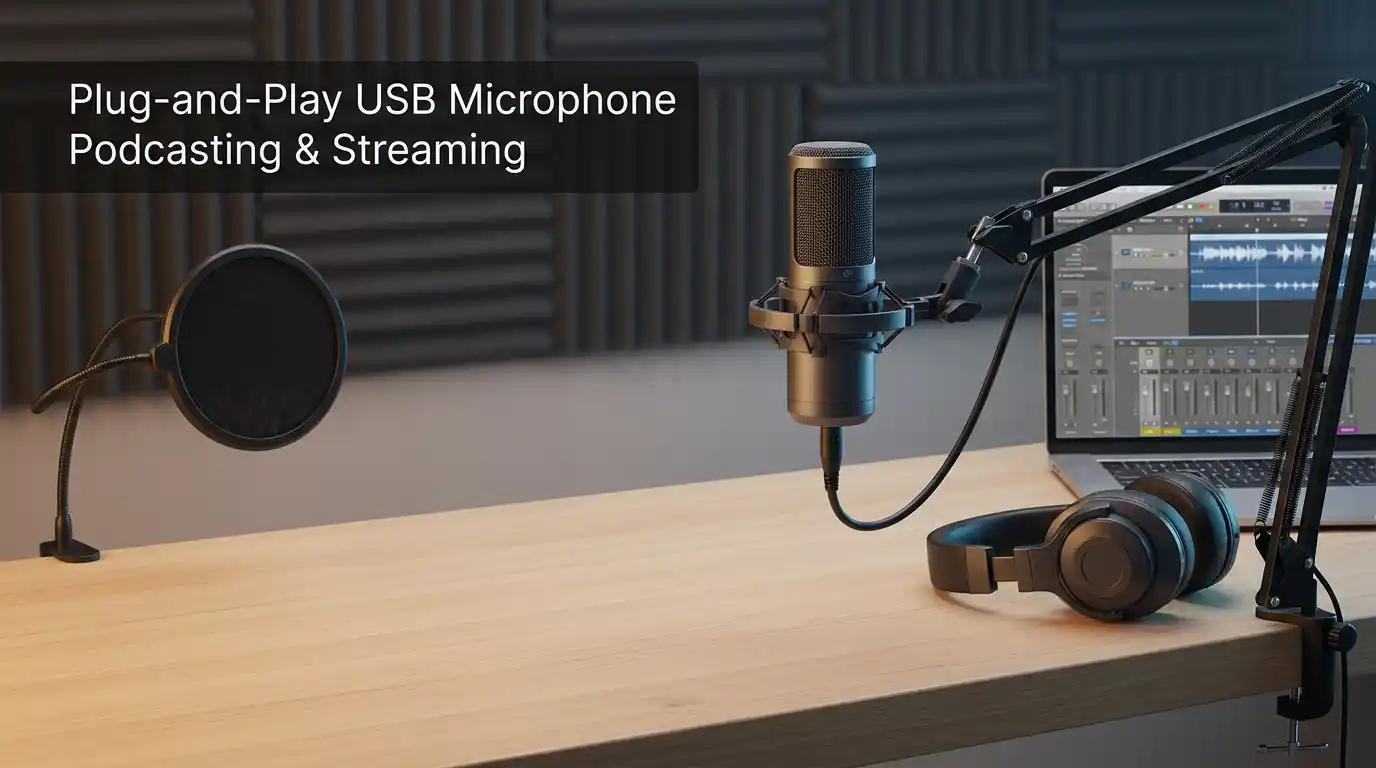

Best USB Microphones for Podcasting and Streaming (No Audio Interface Needed)
Great audio builds trust faster than any camera upgrade. If your voice sounds thin, noisy, or distant, listeners leave—even if your content is excellent. The good news: you don’t need an audio interface to sound professional anymore. A modern plug-and-play microphone can deliver clean, detailed voice capture with simple setup on Windows, macOS, and even some tablets.
This guide explains how to choose the right USB mic for podcasting and streaming, what specs actually matter, and how to set it up for broadcast-quality sound in real rooms (not perfect studios).
Why choose a USB microphone instead of an interface + XLR?
USB mics make sense when you want speed, simplicity, and consistent results.
- Zero extra hardware: No interface, no XLR cables, no phantom power decisions.
- Fast workflow: You plug in, select the mic in your app, and start recording.
- Portable setups: Easy to move between home, office, and travel.
- Modern features: Many models include zero-latency monitoring, onboard DSP, and a one-tap mute button.
USB is especially strong for solo podcasters, streamers, remote interviews, and creators who record voiceovers daily.
What matters most when buying a USB mic
1) Dynamic vs. condenser (the most important decision)
- Dynamic microphones usually reject more room noise. They help if you have fans, traffic, echo, or a “normal” untreated room. Many streamers prefer them for better control over background noise reduction (even before software).
- Condenser microphones capture more detail and “air,” but they also capture more room sound. If your space is quiet and you can manage reflections, condenser can sound very rich.
If your room is not treated, a dynamic mic often gives you a cleaner starting point.
2) Pickup pattern: prioritize cardioid
Look for a cardioid pickup pattern for podcasting and streaming. Cardioid focuses on your voice from the front and reduces sound from behind. Multi-pattern mics can be useful, but they can also add complexity you may never use.
3) Monitoring, controls, and usability
A mic can measure well but still be annoying day-to-day. I recommend checking for:
- Zero-latency monitoring (a headphone jack on the mic)
- Physical gain control (so you don’t fight software sliders)
- A reliable mute button (especially for streaming)
- A sturdy stand or compatibility with a desk boom arm
4) USB-C vs USB-A and driver stability
A USB-C microphone isn’t automatically “better,” but USB-C often pairs well with modern laptops and can improve cable durability. More important than the connector: stable drivers/firmware and consistent performance across apps like OBS, Riverside, Zoom, and Discord.
5) Plosives and vibrations (the hidden audio killers)
“P” and “B” bursts can ruin a take. Desk bumps can travel straight into your recording. Choose setups that support:
- A built-in pop filter or an external pop filter
- A shock mount (or at least rubber isolation)
- Placement that keeps the mic off the desk using a boom arm when possible
Best USB microphones by use case (podcasting + streaming)
Best all-around USB mic for most creators: Shure MV7 (USB/XLR)
If you want a mic that “just works” in real rooms, the Shure MV7 is a standout. It’s dynamic, so it naturally helps with room noise. It also includes USB for simple use now and XLR if you ever upgrade later. Many people also like its companion app for shaping tone without heavy editing.
Why it shines:
- Strong voice focus with less room pickup
- Excellent for streaming and interviews
- Great path for future upgrades (USB today, XLR tomorrow)
Best for streamers who want smart mixing: Elgato Wave:3
If you stream often and want control over game audio, chat, music, and mic levels, the Wave:3 ecosystem can be a huge win. It’s a condenser, so your space matters, but the software routing can simplify a complicated streaming setup.
Why it shines:
- Stream-friendly workflow
- Convenient level management
- Polished, modern creator ecosystem
Best value dynamic USB mics: Audio-Technica ATR2100x-USB / Samson Q2U
These models are popular because they’re forgiving, affordable, and practical. They’re often recommended as a podcast mic for beginners because they handle untreated rooms better than many condensers, and they don’t demand complex gear.
Why they shine:
- Excellent “first serious mic” choice
- Dynamic design reduces room problems
- Straightforward setup for voice and calls
Best condenser USB mic for multi-purpose recording: Blue Yeti (classic)
The Blue Yeti remains widely used because it’s flexible and easy. It can work well for multiple people at a table (with the right pattern), casual streaming, and general content creation. The trade-off: it can capture room reflections easily, so placement and room acoustics matter a lot.
Why it shines:
- Versatile pickup modes
- Familiar, widely supported option
- Good when your space is already quiet
Best for gaming aesthetics + simplicity: HyperX QuadCast
If you want a streaming microphone that looks good on camera and is simple to operate, the QuadCast line is a common choice. Many creators like its quick controls and visual style. As with other condensers, control your room noise and distance carefully.
Why it shines:
- On-camera friendly design
- Easy mute/level control
- Solid for casual streaming setups
Setup tips that instantly improve sound (even with the same mic)
Mic placement: use distance like a “volume knob”
- Keep the mic close: typically 5–10 cm from your mouth (adjust for plosives).
- Speak across the mic, not straight into it, to reduce plosive bursts.
- If you can, mount it on a desk boom arm to get the capsule in the right spot and reduce desk vibration.
Control plosives and harshness
Even if your mic has a built-in pop filter, adding an external pop filter can dramatically smooth your sound. You’ll waste less time re-recording takes.
Reduce echo with simple room moves
You don’t need a studio—just avoid bare, reflective surfaces.
- Add a rug, curtains, or a bookshelf behind/near you.
- Record facing soft materials, not a bare wall.
- Treat the “first reflections” around your voice area if possible.
These small adjustments often beat expensive upgrades because they improve room acoustics at the source.
Use the right settings in OBS/Zoom/Discord
For streaming and calls:
- Start with moderate gain control so you don’t clip.
- Use gentle compression and a limiter if you know what you’re doing.
- If you do remote work on Discord and Zoom, test in the actual app—some apps apply processing that changes your tone.
Don’t overdo noise suppression
Software noise reduction can help, but aggressive settings can add artifacts and make your voice sound robotic. A dynamic mic + good placement usually reduces the need for heavy processing.
Quick buying checklist (so you don’t regret it)
Before you choose, ask yourself:
- Is my room quiet or noisy? (Dynamic helps noisy rooms.)
- Do I need onboard monitoring? (Zero-latency monitoring saves time.)
- Will I travel with it? (Sturdy build + USB-C can help.)
- Do I want future expansion? (USB/XLR combo gives options.)
- Can I mount it properly? (Boom arm + shock mount improves consistency.)
Common mistakes to avoid
- Buying a sensitive condenser for a loud room and expecting “studio” sound.
- Recording 30–50 cm away from the mic and turning the gain way up.
- Ignoring plosives, then trying to “fix everything in editing.”
- Mounting the mic on the same desk you type on (vibration city).
Recommended Amazon.com product (1 adet)
Shure MV7 USB Podcast Microphone — If you want a dependable, upgrade-friendly mic that works well for podcasts, streams, and voiceover recording, this is a strong single purchase that can last for years.









