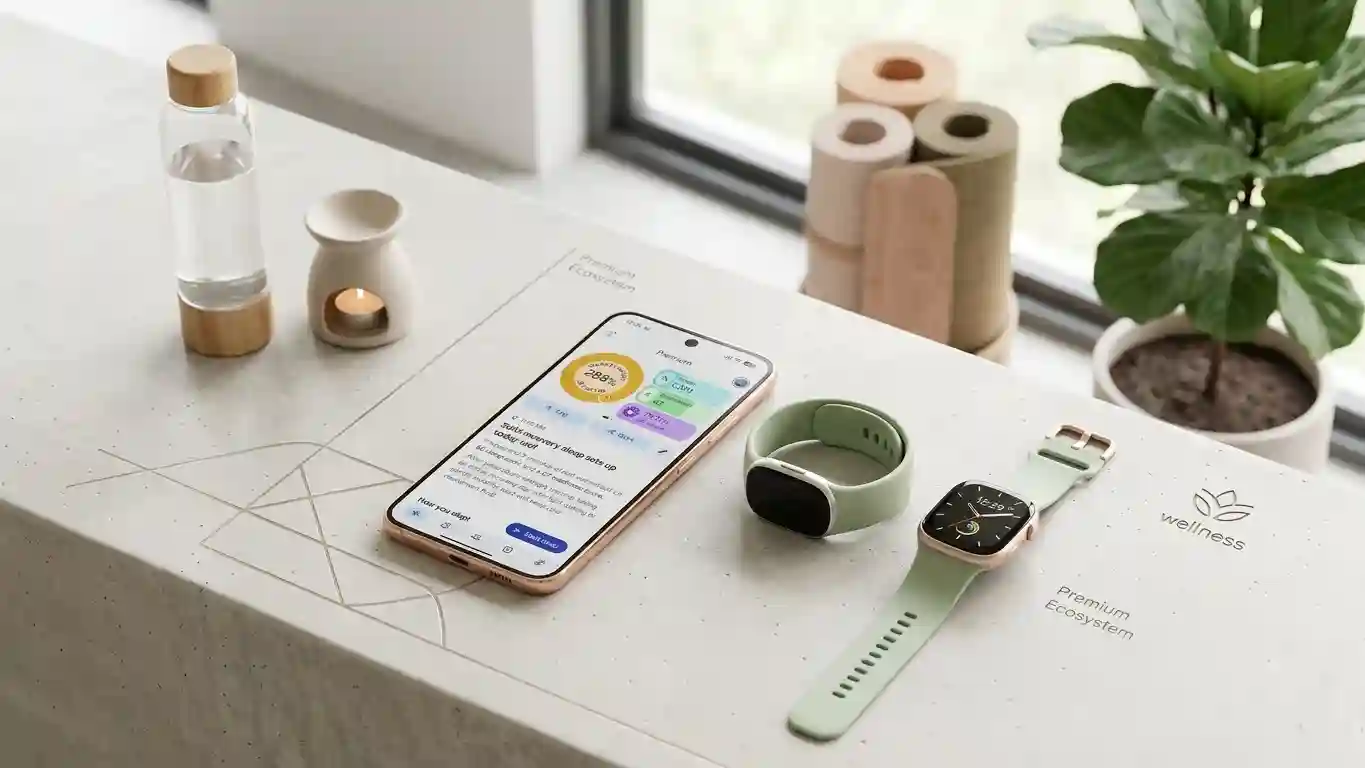

Google has started rolling out a Google Health update that addresses missing health readings for some iPhone users. Version 5.12.2 restores access to metrics that disappeared after the previous release, offering a direct solution for people who could no longer see their usual activity totals or vitals.
The most important detail concerns data safety: Google says the affected readings were not lost. Although the app stopped displaying certain information, the company confirmed that no user data disappeared permanently.
What Caused Concern Among Google Health Users?
The problem emerged after Google Health version 5.12 arrived the previous week. Some users subsequently noticed missing vitals alongside daily totals for steps, distance, and energy burned. These gaps made the app less useful for anyone checking everyday movement or reviewing recent health trends.
According to Google’s statement to Android Authority, the issue affected a small number of iOS users. That scope matters because the announcement does not describe a universal failure across every device or platform. Instead, it identifies a specific problem that disrupted the experience for a limited group of iPhone owners.
What Google Health Version 5.12.2 Changes
Google says updating to version 5.12.2 fixes the missing metrics issue. The release targets the information users could not see, including vitals and several daily activity totals. For affected users, installing the update should bring those readings back into view.
This distinction separates a display problem from permanent data loss. An empty section can understandably raise concerns, especially when someone relies on fitness tracking data to follow progress. However, Google’s confirmation means users should not assume that missing numbers represent deleted records.
The announcement does not explain the underlying technical cause. It also does not provide a detailed breakdown of every affected screen. Readers should therefore avoid interpreting the update as evidence of a broader storage failure or an entirely redesigned tracking system.
How to Restore Missing Health Metrics
Affected iPhone users should check the App Store for the latest Google Health release and install version 5.12.2 when it becomes available. Google describes the update as rolling out, so users should verify the available version rather than assume every installation already includes the fix.
After updating, reopen Google Health and review the areas where readings previously disappeared. Check vitals and daily totals for steps, distance, and energy burned. These checks focus on the categories Google specifically identified rather than unrelated features.
Before the update, some users recovered readings by signing out and back in or switching between weekly and monthly views. Those temporary workarounds helped people navigate the problem, but Google now points to the updated app as the solution. Users should not need those earlier measures once the fix takes effect.
What This Update Does Not Confirm
The missing metrics problem appeared during a frustrating period for Fitbit owners using iPhones. Android Authority also reported separate Fitbit Air syncing and pairing difficulties. However, the publication explicitly noted that Google had not confirmed those issues were resolved by this release.
That distinction prevents confusion between restoring visible readings and repairing device connectivity. Someone researching Fitbit syncing issues should not assume that version 5.12.2 addresses every connection problem. The confirmed fix covers missing metrics, not all reported Fitbit Air behavior.
Why the Update Matters
The release gives users a clearer way to distinguish an app visibility issue from a missing record, without relying on guesswork about their personal health information.
Reliable iPhone health tracking depends on being able to review recorded information without unexplained gaps. This update offers affected users a straightforward next step while providing reassurance about their existing records.
For now, the practical takeaway remains simple: check for Google Health version 5.12.2, install it when available, and review the readings that went missing. Google’s confirmation that no data was lost gives users a clearer picture of what happened and what the update should restore.