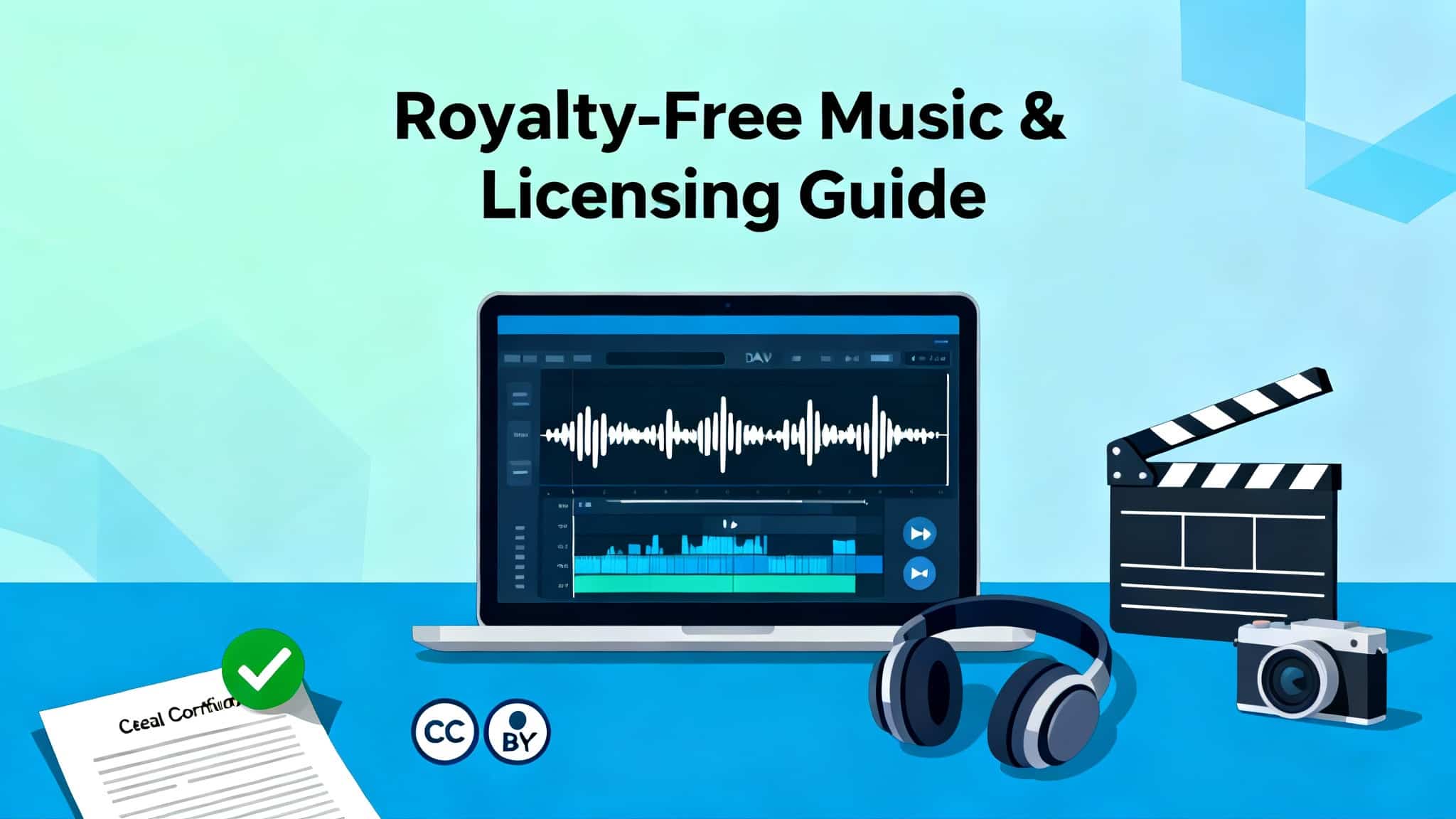

When you produce a video, podcast, app, or ad, music sets the tone—and the legal terms set the limits. Understanding royalty-free music licensing helps you use tracks confidently without copyright strikes, takedowns, or unexpected bills. This guide explains how “royalty‑free” really works, how it differs from “copyright‑free,” how Creative Commons and public domain fit in, and how to choose the right license for YouTube, podcasts, ads, games, and more.
What “royalty‑free” actually means
“Royalty‑free” does not mean “free music.” It means you pay once (or legally obtain a free license) and do not owe ongoing royalties per use, per view, or per territory for the covered use. You still agree to specific terms: where you can use the music (YouTube, TV, paid ads, apps), how many end products you can create, whether you can monetize, and whether attribution is required.
- Royalty‑free = one‑time fee or free license, no recurring royalties for permitted uses.
- Rights‑managed = priced per project details (audience size, geography, duration).
- Copyright‑free = the work has no copyright or the copyright has expired (public domain). This is rare for modern music.
Key licensing concepts you must know
- License scope: The platforms and media where you can use the track (e.g., YouTube, podcasts, social ads, OTT, broadcast).
- End product: The single finished video, podcast episode, or app build that incorporates the track.
- Seat vs. team use: Some licenses cover one user; team or enterprise plans cover multiple seats.
- Monetization: Check if you can monetize (adsense on YouTube, podcast sponsorships, app purchases).
- Broadcast and paid media: TV, radio, CTV, or paid social campaigns may require an extended/broadcast add‑on.
- Attribution: Some licenses (especially Creative Commons BY) require crediting the artist.
- Derivatives and editing: Confirm that you can trim, loop, or remix for timing; many RF licenses allow edits that don’t create a standalone track.
- Exclusivity: Royalty‑free libraries are typically non‑exclusive; other creators can license the same track.
Common license types you’ll encounter
- Royalty‑free marketplace licenses: One‑off per‑track purchases or subscription access. Great for creators, agencies, and SMBs. Terms vary—always read the permitted uses.
- Creative Commons (CC): A family of standardized licenses. Not all CC licenses allow commercial use or modifications.
- CC BY: Commercial use allowed with attribution.
- CC BY‑SA: As above, but derivative works must be shared under the same license.
- CC BY‑ND: No derivatives; you can’t edit the music.
- CC BY‑NC: Non‑commercial only; not for monetized content.
- CC0: Public‑domain dedication (no attribution required, but courtesy credit is welcome).
- Rights‑managed (RM): Tailored pricing for region, duration, audience size, and media type. Often used for broadcast advertising.
- Public domain: No copyright restrictions (e.g., very old works). But beware: modern recordings of public‑domain compositions may still be copyrighted.
Royalty‑free vs. copyright‑free (a crucial distinction)
- Royalty‑free: You’re licensing a copyrighted work under terms that waive ongoing royalties for specified uses.
- Copyright‑free: The work has no copyright or it expired (public domain). You can use it without a license, but verify both the composition and the recording truly are in the public domain.
How Content ID and claims work (YouTube and beyond)
Even if you have a valid license, you might receive an automated Content ID claim on YouTube. This doesn’t automatically mean you’re infringing. Reputable libraries provide:
- A license certificate or receipt that includes track name, licensor, date, purchaser, and usage rights.
- Submit your license proof; the claim is removed if your use is covered.
Best practice: Keep your license documents in your project folder and cloud storage for quick access.
Performance rights organizations (PROs) and cue sheets
Composers may be affiliated with PROs (ASCAP, BMI, SESAC, PRS, GEMA, etc.). Royalty‑free licenses often separate “sync” rights (your license) from “performance” royalties (paid by broadcasters/platforms, not by you). For TV or film, you may need to file a cue sheet listing the music used so PROs can pay the composer. For standard online use, you typically don’t deal with PRO reporting.
Typical restrictions to watch for
- No standalone distribution: You can’t re‑upload the raw music as your own or in a “music only” compilation.
- No trademark or logo sync without permission: Don’t imply endorsement by the artist.
- No resale as a music product: You can’t sell the track, stems, or a karaoke version unless expressly allowed.
- No illegal or hateful uses: Most licenses restrict content that violates laws or promotes hate.
Choosing the right license for your project
- YouTube creators: Look for “YouTube‑safe” or “Content ID cleared” tracks and a license that allows monetization. Keep the license PDF handy.
- Podcasters: Ensure the license covers podcast distribution on major platforms and commercial use if you have sponsors. Confirm that intro/outro looping is allowed.
- Ads and paid media: Check for broadcast or paid social/CTV coverage and the audience reach limits. You may need an extended or enterprise license.
- Games and apps: Confirm in‑app usage rights, distribution channels (iOS, Android, Steam), and download/user caps. Some plans require higher tiers for large user bases.
- Client work: Verify transferability. Some licenses let you use the track on behalf of a client; others require the client to hold the license or add a seat.
Practical compliance checklist
- Verify commercial use is allowed. If it’s CC BY‑NC, it’s not suitable for monetized projects.
- Confirm edit rights: trimming, looping, fades, speed/pitch for sync timing.
- Check platform coverage: YouTube, TikTok, Instagram, podcast platforms, OTT, broadcast.
- Review territory and term: Worldwide vs. limited regions; perpetual vs. time‑bound.
- Determine end‑product limits: One video or unlimited series? Episodic content may require higher tiers.
- Keep records: Save license certificates, receipts, order numbers, and provider URLs.
- Prepare for claims: Know the whitelisting/release process and response times.
- Credit when required: Use the exact attribution format specified by the licensor.
Creative Commons best practices
- Use CC BY for commercial projects if you can provide attribution. Format example:
“Track Title” by Artist Name, licensed under CC BY 4.0 (link to license). - Avoid CC BY‑NC for monetized content—it’s non‑commercial.
- Avoid CC BY‑ND if you need to edit the music.
- Always link to the exact license page and, when possible, to the source track page.
How to evaluate music libraries
- Clarity of terms: Straight‑forward license pages, clear FAQs, and example use cases.
- Claim support: Documented process to clear Content ID claims quickly.
- Coverage: Specific permissions for ads, podcasts, apps, and broadcast.
- Catalog quality: Multiple versions (30s, 60s, loopable stems) save edit time.
- Search filters: BPM, mood, genre, instrument, vocals/no‑vocals.
- Business features: Team seats, client transfer rights, and invoice/PO support.
Myths and pitfalls to avoid
- “I bought it, so I can do anything.” Licenses limit usage scope. Read the fine print.
- “I’ll just credit the artist; that makes it legal.” Credit is not a substitute for a license unless the license specifically requires only attribution (e.g., CC BY).
- “Public domain means any recording of a classical piece is free.” The composition may be public domain, but the specific recording is usually copyrighted.
- “A claim equals a strike.” A claim is often automated and can be resolved with proof of license.
Future‑proof your workflow
- Create a “Music Licenses” folder per project with:
- License PDFs/receipts and the track’s source URL.
- Attribution text (if needed).
- Notes on permitted platforms and any special restrictions.
- Maintain a spreadsheet of tracks used across clients and channels to track license scope and renewal dates (if applicable).
- For agencies, standardize library providers to minimize legal variance and speed up approvals.
Quick FAQ
- Can I monetize YouTube videos with royalty‑free music? Yes, if the license allows monetization. Keep proof to clear claims.
- Do I need to credit the artist? Only if the license requires it (e.g., CC BY). Many paid RF licenses don’t require credit.
- Can I use the same track for a new client? Only if the license allows multiple end products/clients or you hold a team/enterprise plan covering client projects.
- Do I owe performance royalties? Typically no; broadcasters/platforms handle PRO royalties. You might need to file cue sheets for TV/film.
Bottom line
Royalty‑free music licensing gives creators a predictable, budget‑friendly way to add professional soundtracks without ongoing per‑use fees. Treat licenses as contracts: read scope, confirm monetization and platform rights, save documents, and follow attribution rules when required. With the right workflow, you can stay compliant, clear claims swiftly, and keep your audience focused on the story—not the silence after a takedown.