
Smart Hubs to Connect All Your Devices: The Ultimate Guide
Smart homes are no longer a futuristic dream. Thanks to smart hubs, you can control lights, thermostats, cameras, and speakers from a single place. A smart hub acts as the “brain” of your connected home, helping different brands and protocols work together smoothly. If you want a more organized, energy‑efficient, and secure smart home, choosing the right hub is essential.
In this guide, you’ll learn what smart hubs are, how they work, key features to look for, and how to choose the best hub for your home. You’ll also see how smart hubs support voice assistants, automation, and future‑proof standards like Matter.
What Is a Smart Hub?
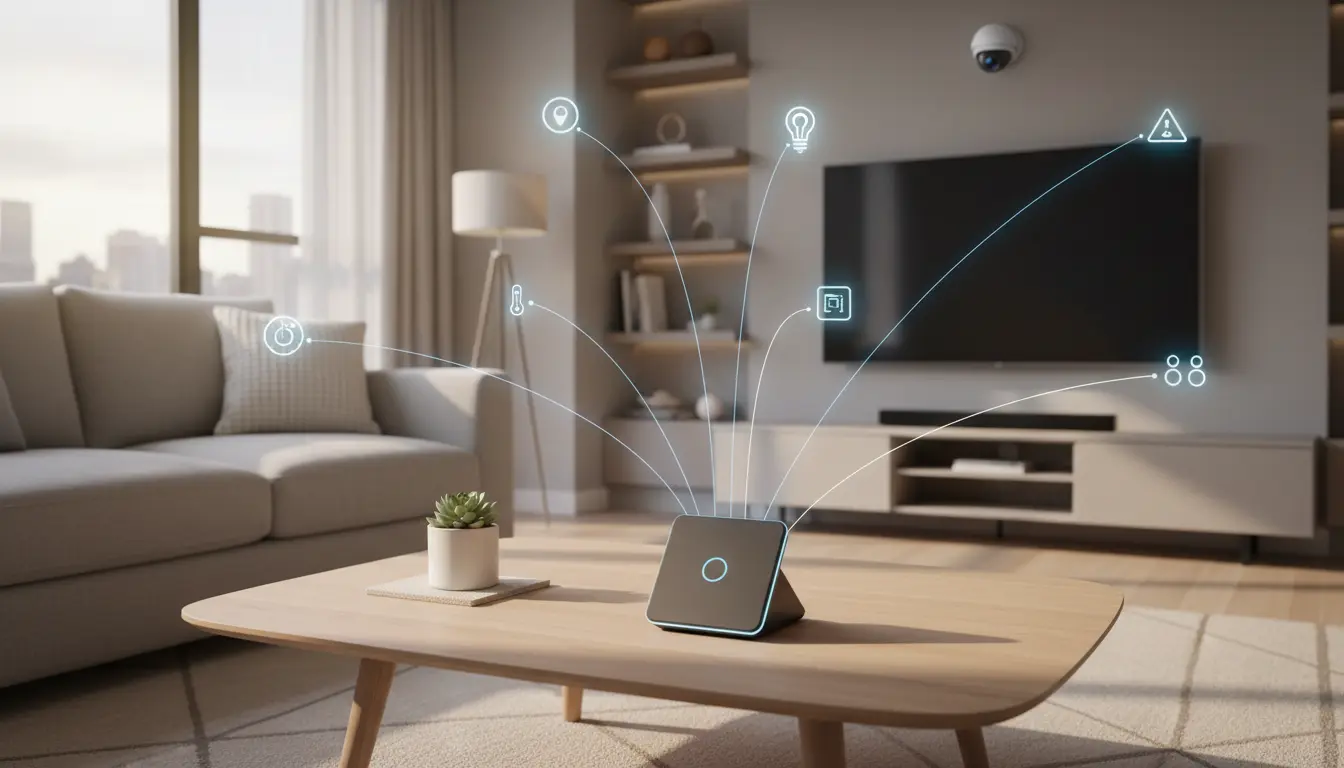
A smart hub is a central device that connects and manages all your compatible smart home gadgets. Instead of having every device connect separately to your phone or Wi‑Fi, the hub communicates with them and gives you a single interface to control everything.



A smart hub typically:
- Connects to your router via Ethernet or Wi‑Fi
- Uses multiple wireless protocols such as Wi‑Fi, Zigbee, Z‑Wave, Thread, Bluetooth, or Matter
- Sends and receives commands from your smartphone app or voice assistant
- Runs automation rules, routines, and scenes even when your phone is off
By consolidating control, a smart hub reduces app clutter and improves reliability across your connected devices.
How Smart Hubs Work Behind the Scenes
Many smart devices speak different “languages.” Your smart bulb might use Zigbee, your door lock might use Z‑Wave, and your camera might rely only on Wi‑Fi. A smart hub understands these languages and translates them into something your phone and voice assistant can use.
Here’s what happens in a typical scenario:
- You tap a button in your smart home app to turn on the living room lights.
- The app sends the command to the hub through your home network or the cloud.
- The hub converts this command into Zigbee, Z‑Wave, or whatever protocol the bulb uses.
- The bulb responds, and the hub sends the updated status back to your app.
Because the hub manages communication locally, many actions feel faster and remain reliable even if your internet connection is unstable.
Benefits of Using a Smart Home Hub
A well‑chosen smart hub offers several tangible benefits that go beyond simple convenience.
1. Unified Control
Instead of juggling five different apps for lights, plugs, locks, and thermostats, you open one app connected to your hub. From there, you can:
- Turn groups of devices on or off
- Check device status at a glance
- Create rooms, zones, and scenes (for example, “Movie Night” or “Bedtime”)
Unified control makes your smart home easier to manage and more intuitive for everyone in the household.
2. Powerful Automations and Routines
Smart hubs shine when you use them to automate daily tasks. You can create routines such as:
- Morning routine: At 7:00 AM, the hub turns on bedroom lights, starts your smart coffee maker, and adjusts the thermostat.
- Away mode: When all phones leave the house, the hub locks the doors, turns off lights, and arms smart security sensors.
- Energy‑saving scenes: At night, lights dim automatically and unnecessary plugs switch off.
These automations run in the background and actively improve comfort, security, and energy efficiency.
3. Better Reliability and Local Control
Many smart hubs support local processing, meaning they execute commands within your home network instead of relying solely on remote servers. Local control leads to:
- Faster response times
- Fewer delays caused by internet outages
- More consistent performance for critical devices like locks and alarms
For users who value privacy, local processing also reduces how much data leaves the home.
Key Features to Look for in a Smart Hub
Not all smart hubs are equal. Before you buy, compare the following features to ensure the hub matches your current and future needs.
1. Protocol and Device Compatibility
Check which wireless standards the hub supports. Look for:
- Zigbee support for a wide range of bulbs, sensors, and switches
- Z‑Wave support for many locks, plugs, and security devices
- Thread and Matter for newer, interoperable smart home products
- Wi‑Fi and Bluetooth support for common accessories
The more protocols a hub supports, the easier it becomes to connect devices from different brands.
2. Integration With Voice Assistants
A good hub works smoothly with major voice assistants such as Amazon Alexa, Google Assistant, and Apple HomeKit. Voice integration lets you:
- Control devices hands‑free
- Trigger scenes with short phrases like “Alexa, good night”
- Combine different brands under a single voice ecosystem
Make sure the hub is certified or officially compatible with the voice platform you use most.
3. Automation Engine and App Experience
The strength of a hub lies in its automation capabilities. Evaluate:
- How easy the app makes it to create complex routines and conditional rules
- Whether you can use triggers like time, presence, motion, temperature, or device state
- If advanced users can set up more sophisticated logic (e.g., “if motion is detected and it’s after sunset, turn on hallway lights”)
An intuitive interface with strong automation options helps you unlock the full potential of your smart home.
4. Security and Privacy
Because a hub manages door locks, cameras, and sensors, security must be a top priority. Look for:
- Encrypted connections between the hub, app, and devices
- Regular firmware updates and security patches
- Strong authentication for remote access
- Local video storage options for cameras, when possible
A secure hub protects your home and personal data while still offering convenient remote control.
5. Future‑Proofing and Matter Support
The smart home industry is moving toward Matter, a unifying standard backed by major brands. A hub that supports Matter, Thread, or is committed to future updates will:
- Make it easier to mix devices from different manufacturers
- Reduce compatibility headaches over time
- Extend the life and value of your hub
Choosing a future‑ready hub saves you from needing a full upgrade in just a couple of years.
How to Choose the Right Smart Hub for Your Home
When selecting a smart hub, consider your current setup and your long‑term vision.
- List your existing devices. Note which ones you already use and which protocols or ecosystems they belong to.
- Define your main goals. Do you prioritize energy savings, security, convenience, or voice control?
- Check ecosystem lock‑in. If you’re heavily invested in Amazon Alexa or Apple Home, pick a hub that integrates deeply with that platform.
- Plan for expansion. Choose a hub that can grow with your home, supporting additional rooms, outdoor devices, and future devices using Matter or Thread.
- Balance budget and features. Entry‑level hubs offer basic automation, while premium options add advanced rule engines, local processing, and robust security tools.
A thoughtful choice now leads to a stable, flexible smart home that continues to feel modern for years.
Practical Tips for Setting Up Your Smart Hub
Once you have your hub, follow these steps for a smooth setup:
- Place the hub centrally. A central location helps radios like Zigbee and Z‑Wave reach more devices.
- Connect via Ethernet when possible. A wired connection improves reliability and reduces Wi‑Fi congestion.
- Add devices gradually. Connect lights and plugs first, then expand to locks, sensors, and cameras. Test automations as you go.
- Group by room and function. Organize devices logically in the app so routines stay easy to manage.
- Review automations regularly. As your lifestyle changes, adjust routines to stay helpful and avoid unnecessary triggers.
These simple steps keep your smart home organized, secure, and responsive.
Recommended Smart Hub on Amazon
For a flexible, widely compatible option, many users choose the Amazon Echo Hub on Amazon.com. It functions as both a smart display and a powerful smart home controller. It supports Matter, works seamlessly with Alexa, and connects to a large ecosystem of smart lights, plugs, locks, and cameras, making it a strong choice for building a centralized, voice‑enabled smart home.