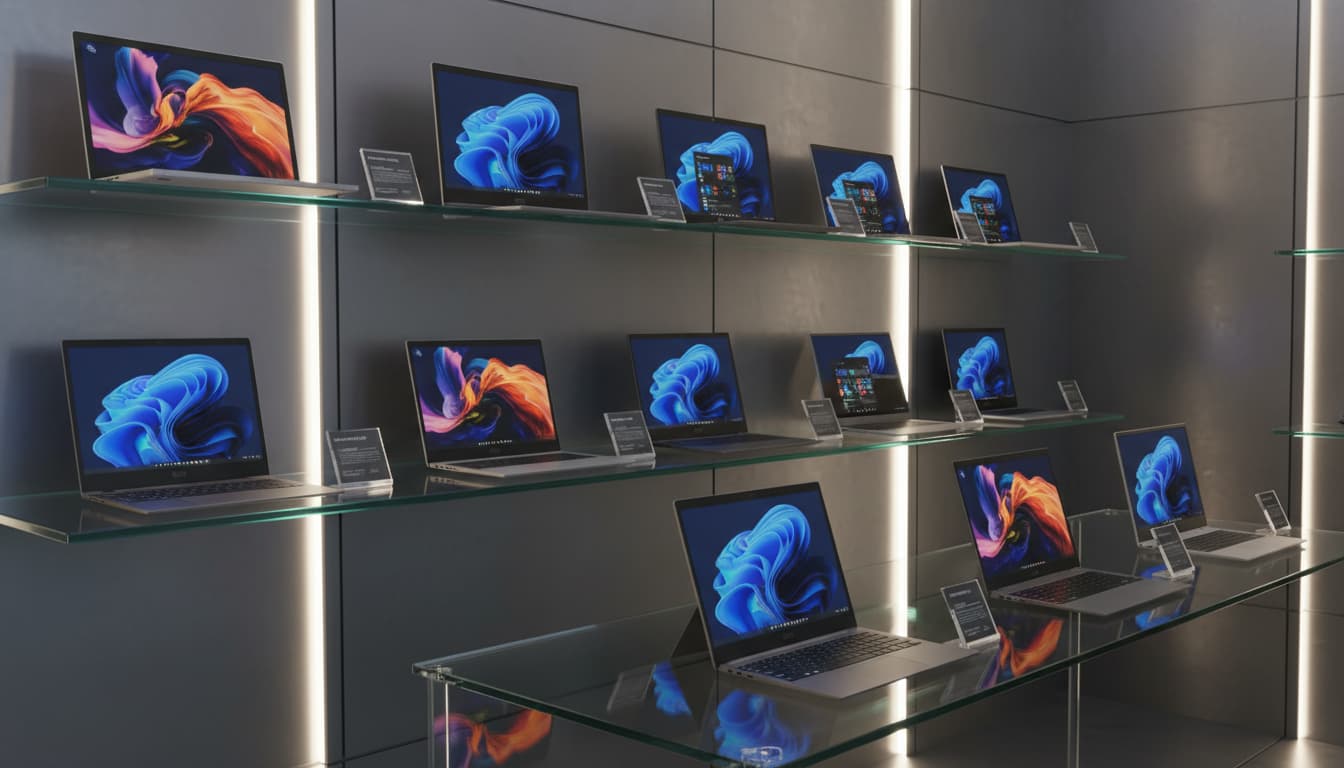

In 2025, the Windows laptop market is more diverse—and confusing—than ever. Between AI-accelerated chips, OLED displays reaching mainstream, and new form factors like 2‑in‑1s with haptic touchpads, making the right choice requires clarity on your needs, not just specs. This guide breaks down the essentials: performance, portability, display, battery, build quality, connectivity, and value. By the end, you’ll know exactly what to look for—and what to avoid—so you can buy a Windows laptop that will stay fast, efficient, and reliable for years.
1) Define your use case first
Start with what you actually do:
- Everyday/productivity: web, Office, video calls. You’ll want a lightweight ultrabook, long battery life, quiet fans, and a sharp 13–14″ display.
- Creative work: photo/video editing, 3D, design. Prioritize a powerful CPU, discrete GPU (NVIDIA RTX), color-accurate display, and robust cooling.
- Gaming: a dedicated GPU, high refresh rate (144–240 Hz), advanced cooling, and performance mode tuning are key.
- Software development/data: multi-core CPU performance, 16–32 GB RAM, fast SSD (gen 4+), and at least 1440p display for code space.
- Business/enterprise: security (TPM, Windows Hello IR), durable build, great keyboard, ports, and on-site warranty options.
Your use case determines what’s worth paying for—and what’s just marketing.



2) CPU: What to choose in 2025
The big shift in 2025 is AI acceleration and efficiency. You’ll see three families commonly:
- Intel Core Ultra (Meteor/Arrow Lake series): strong hybrid performance, better efficiency than older Intel chips, integrated NPU for AI tasks, solid for mixed workloads.
- AMD Ryzen 8000/9000 series: excellent multi-core performance and efficiency; models with Radeon 700M iGPU are great for light gaming and creative previews; many SKUs include NPUs.
- Qualcomm Snapdragon X series (Windows on ARM): best-in-class battery life and always-on responsiveness, increasingly strong app compatibility, excellent NPUs for AI features. Great for portability-first users who don’t need niche x86 apps or heavy AAA gaming.
Quick tip:
- Productivity + battery: ARM (Snapdragon X) or efficient AMD.
- Creative + gaming: AMD Ryzen H/HS or Intel Core Ultra H with NVIDIA RTX.
3) RAM and storage: Don’t underbuy
- RAM: 16 GB is the baseline for 2025. Go 32 GB if you edit 4K video, run heavy VMs, or work with large datasets. For gaming-only builds, 16 GB still works, but 32 GB future-proofs.
- Storage: 512 GB minimum; 1 TB recommended if you handle media or games. Look for PCIe Gen 4 NVMe SSDs for fast load times. Confirm whether storage and RAM are upgradable—many thin devices solder RAM.
4) GPU: Integrated vs discrete
- Integrated graphics (Intel Arc, AMD Radeon 700M, Snapdragon Adreno): fine for casual use, 2D design, FHD media, and light indie gaming.
- Discrete GPUs (NVIDIA RTX 4050–4070 or newer): essential for 3D, Blender, DaVinci Resolve, and modern games. Prefer laptops with MUX switch/Advanced Optimus for direct-to-display performance and lower latency.
For creators, RTX Studio-certified models optimize driver stability and app performance across Adobe, Autodesk, and Blackmagic tools.
5) Display: Don’t overlook this
Your screen defines your daily comfort and productivity.
- Size: 13–14″ for portability; 15–16″ for multitasking and creative work; 17″ for desktop replacements.
- Resolution: 1920×1200 (FHD+) for battery; 2560×1600 (QHD+) is the sweet spot; 3840×2400 (UHD+) for pro color work.
- Panel: OLED offers deep blacks and vibrant colors—great for content creation and movies. High-quality IPS is still excellent and less prone to burn-in. Mini-LED is bright, with strong HDR.
- Refresh rate: 90–120 Hz feels smoother for scrolling and design; 144–240 Hz for gaming.
- Color: For creative work, target 100% sRGB and 100% DCI-P3 coverage with Delta E < 2 and factory calibration.
Also consider matte vs glossy. Matte reduces reflections for office/classroom lighting; glossy looks punchier but can mirror your surroundings.
6) Battery life and thermals
Manufacturers publish “up to” numbers that rarely match reality.
- Real-world targets: 10–15 hours for ultrabooks, 6–10 hours for powerful 15–16″ laptops.
- Larger batteries (70–99 Wh) are better, but efficiency matters more than pure capacity.
- Cooling: dual-fan, vapor chamber designs sustain performance. Look for user reports on fan noise, surface temps, and sustained vs burst performance (many reviews chart this).
If you work on battery often, avoid high-wattage CPUs/GPUs paired with thin chassis unless you accept shorter runtime.
7) Build quality, keyboard, and touchpad
- Chassis: aluminum or magnesium alloy improves rigidity; MIL-STD-810H claims are a plus but not a guarantee of ruggedness.
- Keyboard: 1.2–1.5 mm key travel with crisp feedback; look for dedicated function keys for mic/cam mute, and media. If you type a lot, try to avoid cramped layouts or half-height arrow keys.
- Touchpad: glass precision touchpads with haptic feedback feel best and support smooth gestures. Ensure palm rejection is good.
- Webcam and mic: 1080p with dual or quad mics is a baseline for professional calls; IR camera enables Windows Hello face sign-in.
8) Ports and wireless
Check ports before you buy; dongle-life gets old fast.
- USB-C with USB4/Thunderbolt 4 (or 5 where available) for fast storage and displays.
- At least one USB-A for legacy devices.
- HDMI 2.1 for 4K/120 output; or rely on USB-C DP Alt Mode if supported.
- microSD/SD card slots are valuable for creators.
- Wi‑Fi 7 offers lower latency and higher throughput; Wi‑Fi 6E is still excellent.
- Bluetooth 5.3+ for reliable peripherals.
If you plan to dock, confirm compatibility with your preferred USB-C or Thunderbolt dock and external monitor setup (e.g., dual 4K).
9) Security and manageability
- TPM 2.0, Windows Hello (IR camera or fingerprint reader), and webcam privacy shutters are standard in 2025.
- Business lines (e.g., ThinkPad T/X, HP EliteBook, Dell Latitude) add Smart Card, vPro/Pro manageability, and longer firmware support.
- For travel, look for eSIM-ready models and physical locks (Kensington/Noble) if you use public spaces.
10) Software, compatibility, and AI features
- Windows on ARM improved significantly, but if you rely on niche x86 desktop apps or custom drivers, verify native support or quality emulation before committing.
- Many 2025 laptops ship with on-device AI (NPU) features: noise suppression, background blur, auto-framing, real-time transcription, and AI upscaling in creative apps. These are useful—but don’t overpay if you won’t use them.
- Clean installs of Windows often remove bloatware and improve battery; check if the OEM offers a “Signature” or minimal image.
11) Warranty, serviceability, and upgradability
- Standard warranties are 1 year; creative/business users should consider 2–3 years with accidental damage.
- Service manuals and parts availability matter. If upgradability is important, confirm SO-DIMM slots (for RAM) and M.2 slots (for storage).
- Check the screw type (Phillips vs Torx), accessibility of internals, and whether opening voids warranty.
12) Pricing and timing your purchase
- Sweet spots: ultrabooks with 16 GB/512 GB in the $900–$1,300 range; creator/gaming with RTX 4060/4070 in the $1,300–$2,000 range, depending on build and display.
- Best times to buy: back-to-school (Aug–Sep), holiday sales (Nov–Dec), and refresh windows right after new CPU/GPU announcements.
- Avoid last-gen models without meaningful discounts. Prioritize configuration, thermals, and display over flashy branding.
13) Recommended configurations by user type
- Student/professional on the go: 13–14″, Intel Core Ultra or AMD Ryzen U, 16 GB RAM, 512 GB SSD, 120 Hz IPS/OLED, 12+ hours battery, 2.8 lb or less.
- Creator: 15–16″, Intel/AMD H-series + NVIDIA RTX 4060/4070, 32 GB RAM, 1 TB SSD, 100% DCI-P3 QHD+/OLED, SD card slot, color calibration.
- Gamer: 15–17″, Intel/AMD H-series + RTX 4070+, 16–32 GB RAM, 1 TB SSD, 144–240 Hz QHD, MUX/Advanced Optimus, robust cooling.
- Business: 14–15″, vPro/Pro manageability, 16–32 GB RAM, 512 GB–1 TB SSD, 1080p IR webcam, LTE/5G option, extended warranty.
14) Quick checklist before you buy
- CPU/GPU match your workload
- 16–32 GB RAM and at least 512 GB SSD
- Display: size, resolution, color, refresh rate aligned with your needs
- Battery life verified by independent reviews
- Ports: USB4/TB4, HDMI 2.1, SD if needed
- Good keyboard and webcam for calls
- Upgradability/warranty fit your ownership plan
- Price-to-performance versus alternatives
With a clear profile of your work and preferences, you’ll end up with a Windows laptop that feels fast today and stays relevant tomorrow.









