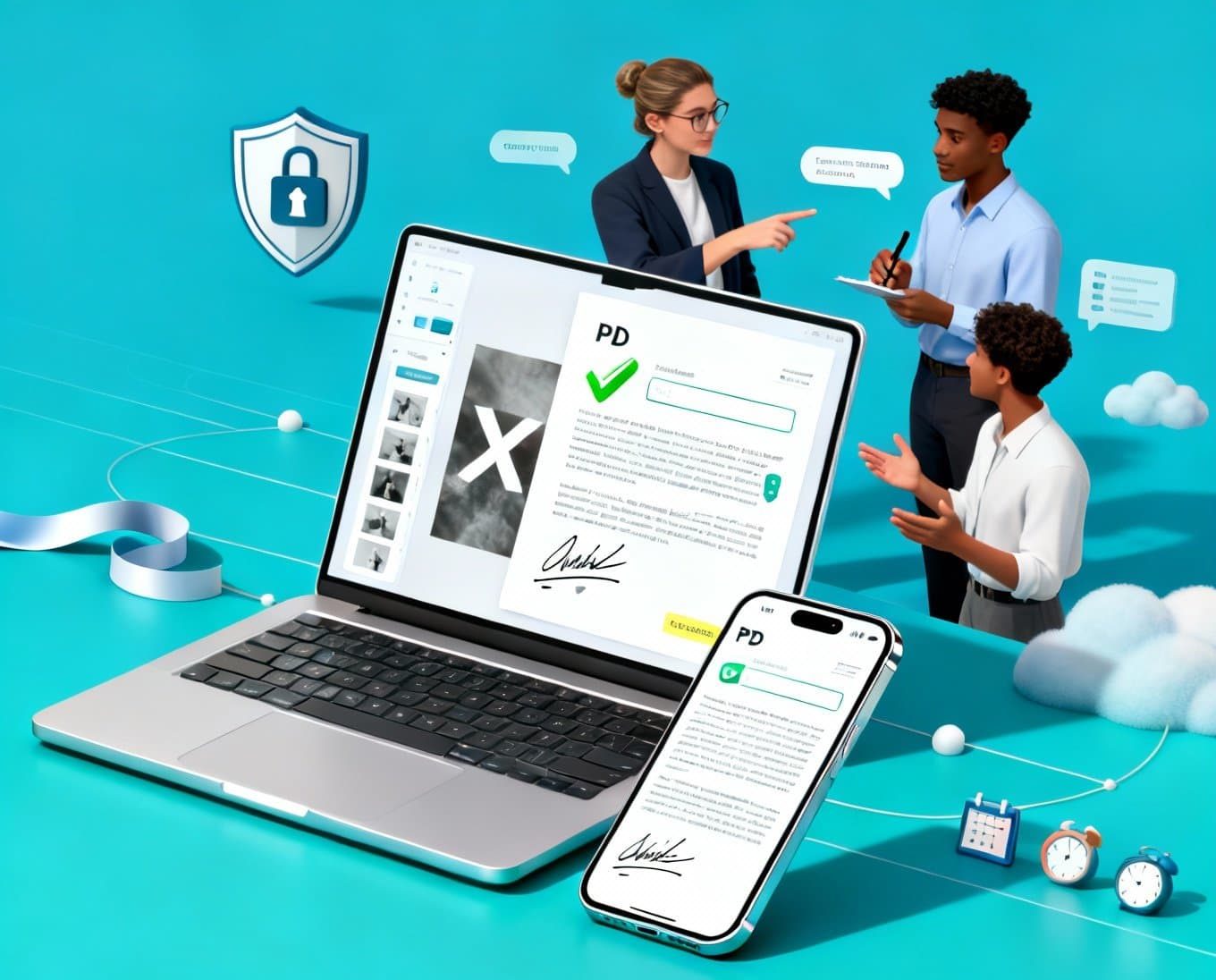

In a digital-first world, PDF signing and editing solutions are essential for streamlining document workflows, ensuring legal compliance, and accelerating business processes. From legally binding e-signatures to secure redactions and collaborative annotations, modern PDF tools offer an integrated environment for creating, modifying, approving, and archiving documents. Whether you are a freelancer sending contracts, a small business managing invoices, or an enterprise handling complex compliance workflows, choosing the right PDF solution can significantly improve productivity, security, and user experience.
What Are PDF Signing and Editing Solutions?
PDF signing and editing solutions are software platforms or services that allow users to:
- Edit and format PDF text, images, and layouts
- Insert electronic and digital signatures
- Fill forms and automate document fields
- Protect files with encryption, password policies, and permissions
- Redact sensitive data and apply watermarks
- Collaborate through comments, annotations, and version control
- Integrate with cloud storage, CRMs, ERPs, and identity providers
These capabilities help keep documents consistent, secure, and legally valid across different teams and jurisdictions.


Electronic Signatures vs. Digital Signatures
Understanding signatures is critical for compliance and security:
- Electronic signatures (e-signatures) represent a person’s intent to sign a document. They are easy to use and widely accepted, suitable for many business transactions.
- Digital signatures use cryptographic certificates (PKI) to verify the signer’s identity and ensure document integrity. They are essential for high-assurance scenarios, audits, and regulated industries.
For maximum assurance, look for solutions supporting standards like PAdES, eIDAS, and X.509 certificates, and that provide a complete audit trail with time stamps and tamper-evident seals.
Key Features to Look For
- Intuitive Editing Tools: Text editing, font control, image placement, page reordering, merging, splitting, and compression without breaking document structure.
- Advanced Form Handling: Create fillable forms, auto-detect fields, enforce required fields, and enable data validation to reduce errors.
- Secure E-Signature Workflows: Multi-signer flows, sequential or parallel signing, role-based routing, and reminders to speed up approvals.
- Compliance and Security: AES-256 encryption, role-based access control (RBAC), SSO/SAML, SOC 2/ISO 27001-aligned practices, and detailed audit logs.
- Redaction and Privacy Controls: Permanent redaction tools to remove sensitive text, PII, or legal content, ensuring it cannot be recovered.
- Collaboration and Versioning: Real-time comments, annotations, change tracking, and version comparison to accelerate review cycles.
- Cross-Platform Support: Web, desktop, and mobile apps with consistent performance and accessibility (WCAG) for inclusive usage.
- Integration Ecosystem: Native connectors or APIs for Google Drive, OneDrive, SharePoint, Slack, CRM/ERP systems, and identity providers.
- Automation and APIs: RESTful APIs and webhooks for automated generation, templating, batch signing, and CI/CD document operations.
- Performance and Scalability: Fast rendering of large PDFs, reliable OCR for scanned documents, and cloud scaling for high-volume use.
Legal and Compliance Considerations
Compliance is a non-negotiable component of PDF signing:
- Regional Regulations: Ensure compatibility with eIDAS (EU), ESIGN and UETA (US), and industry-specific mandates like HIPAA (healthcare) or FINRA (finance).
- Audit Trails: Look for immutable logs capturing signer identity, IP, time stamps, changes, and certificate validation events.
- Data Residency: For global organizations, choose vendors offering data localization and residency options to meet national data regulations.
- Identity Verification: Support for KYC, two-factor authentication (2FA), and certificate-based identity strengthens legal defensibility.
Security Best Practices
- End-to-End Encryption: Encrypt at rest and in transit to protect documents throughout the lifecycle.
- Certificate Pinning and Digital Seals: Prevent tampering and demonstrate authenticity.
- Principle of Least Privilege: Limit access via granular permissions and policies.
- Automated Backups and Key Management: Use HSMs or secure key vaults for certificate and key handling.
- Secure Redaction: Confirm that redaction truly removes content, not just masks it visually.
Common Use Cases
- Sales and Contracts: Accelerate deal cycles with templates, auto-fill fields, and mobile-friendly signing.
- HR Onboarding: Offer fully digital onboarding packets with compliance acknowledgments and secure storage.
- Finance and Procurement: Manage purchase orders, invoices, and vendor agreements with approval workflows.
- Legal and Compliance: Enforce standardized language, secure redaction, and certified signatures for legal documents.
- Education and Government: Distribute policy documents, consent forms, and public records with accessible formats and long-term validation.
On-Premises vs. Cloud Solutions
- Cloud-Based: Fast to deploy, auto-updated, scalable, and cost-effective for most businesses. Ensure the vendor meets your compliance requirements.
- On-Premises/Self-Hosted: Greater control over data and infrastructure, often preferred by highly regulated sectors. Requires internal IT resources for maintenance and updates.
- Hybrid: Combine the agility of cloud with the control of on-prem for sensitive workloads.
Performance and UX Considerations
- OCR and Searchability: High-quality OCR improves search, accessibility, and data extraction.
- Mobile-Friendly Signing: Responsive interfaces with simple signer flows reduce friction and abandonment.
- Accessibility: PDF/UA-compliant tools ensure screen reader support, proper tagging, and inclusive design.
- Template Libraries: Pre-built templates reduce setup time and standardize document creation.
Measuring ROI
- Time-to-Sign Reduction: Track the average time from send to signature and aim for hours instead of days.
- Error Rate Decrease: Use validation to reduce form errors and rework.
- Paperless Cost Savings: Lower printing, shipping, and storage costs while improving sustainability metrics.
- Compliance Risk Reduction: Fewer compliance incidents due to built-in controls and auditability.
- Employee Productivity: Streamlined workflows free teams to focus on higher-value tasks.
Implementation Tips
- Start with High-Impact Flows: Contract approvals, NDAs, and onboarding forms deliver quick wins.
- Standardize Templates: Create reusable, branded templates with locked sections and variable fields.
- Train and Enable: Provide role-based training, quick-start guides, and internal champions to drive adoption.
- Integrate with Core Systems: Connect to your CRM, ERP, and cloud storage to eliminate manual steps.
- Monitor and Iterate: Use analytics to identify bottlenecks and continuously optimize.
Future Trends
- Identity-First Signatures: Deeper integration with national eIDs and verifiable credentials.
- AI-Assisted Editing: Smart redaction, clause detection, and auto-summarization for faster reviews.
- Zero-Trust Document Security: Continuous verification, context-aware access, and advanced anomaly detection.
- Blockchain Timestamping: Immutable proof of existence and integrity for high-value documents.
- Intelligent Automation: End-to-end orchestration from template generation to archival with minimal human intervention.
How to Choose the Right Solution
- Map Your Requirements: Compliance needs, signature assurance level, API automation, and user volume.
- Pilot with Real Documents: Validate performance, OCR accuracy, redaction integrity, and signer experience.
- Verify Legal Standing: Ensure support for your jurisdiction’s standards and obtain legal counsel if needed.
- Evaluate TCO: Consider licensing, implementation, support, and scaling costs—not just sticker price.
- Check Vendor Credibility: Security certifications, uptime SLAs, transparent roadmaps, and responsive support.
PDF signing and editing solutions are the backbone of secure, modern document workflows. By combining legally compliant e-signatures, robust editing capabilities, and seamless integrations, organizations can shorten approval cycles, reduce operational risk, and deliver outstanding user experiences. With the right platform, your teams will work faster, safer, and smarter—turning paperwork into a true competitive advantage.








