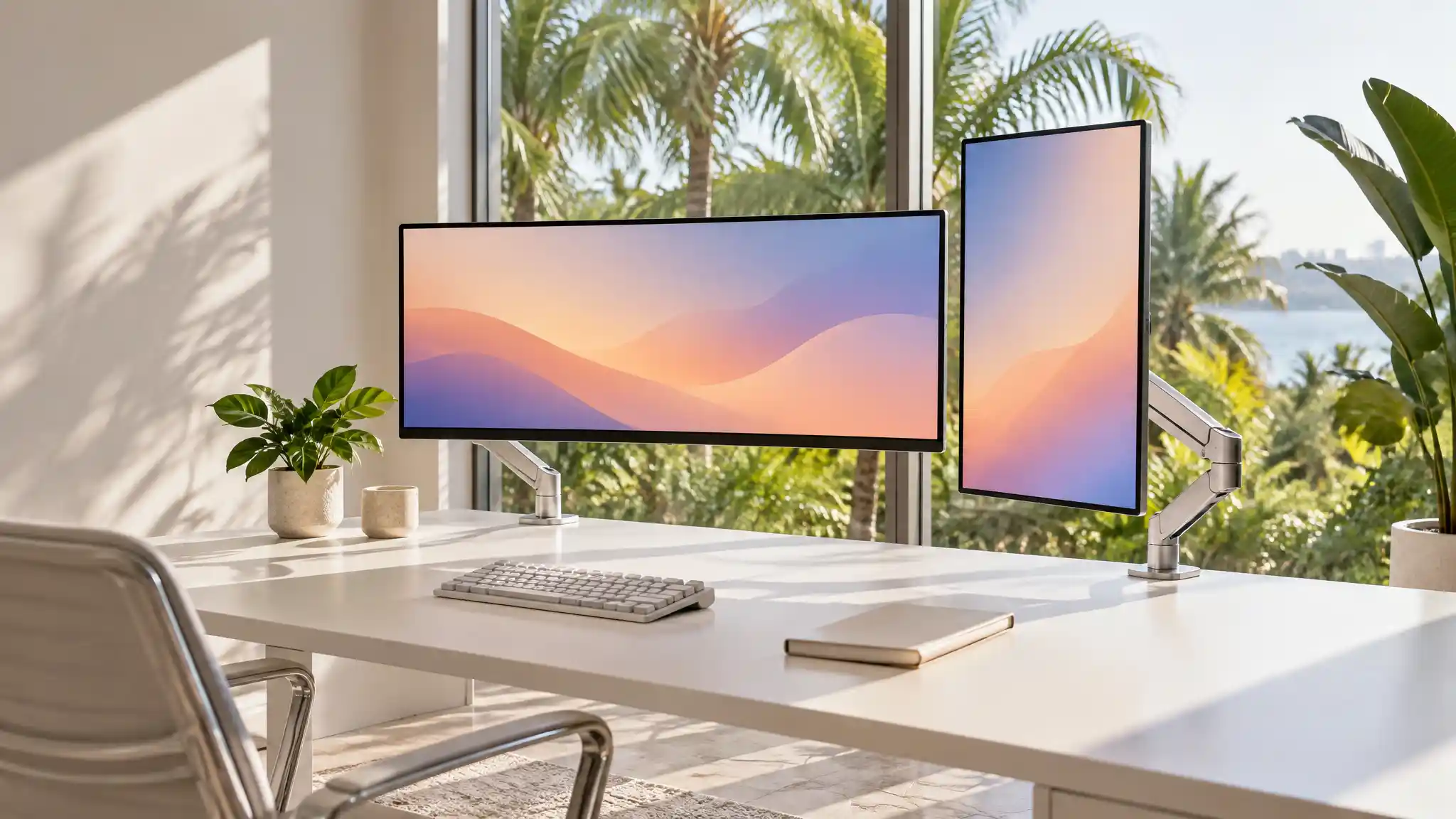

Best Monitor Arms for Florida Home Offices
A Florida home office needs more than a reliable laptop and fast internet. The right monitor position can make long workdays feel more organized, comfortable, and productive. A quality monitor arm lifts the screen off the desk, creates usable workspace, and lets users place the display at a practical viewing height. This matters in Florida, where bright daylight, compact rooms, hybrid schedules, and flexible work setups often shape how people arrange their work areas.
Choosing the best monitor arms for Florida home offices starts with the desk, the monitor, and the way the room is used. The best option helps create an ergonomic workspace without making the office feel crowded or complicated.
Why a Monitor Arm Works Well in Florida
Florida homes frequently combine work zones with bedrooms, living rooms, guest rooms, or shared family spaces. A monitor arm helps a small home office stay functional because it replaces a wide factory stand with a compact mounting point. That extra surface space can hold a notebook, charging dock, keyboard, or simply give the user more room to think.

Natural light is another important factor. A fully adjustable monitor mount lets users shift the screen away from glare during sunny afternoons. Instead of moving furniture or closing blinds every time light changes, the user can tilt, swivel, or extend the display to improve visibility. This flexibility supports a cleaner work-from-home setup while keeping the room adaptable.
An adjustable monitor arm also encourages better posture. Users can raise the screen closer to eye level, pull it forward for detailed tasks, or rotate it vertically for coding, writing, and long documents. Small adjustments make a real difference when work requires hours at a desk. A monitor arm does not replace good habits, but it gives the workstation more ergonomic options.
Start With Screen Size and Weight
Before comparing finishes, prices, or extra features, check the monitor’s actual weight without its original stand. Then compare that number with the arm’s stated load range. Do not choose an arm simply because it lists a large maximum capacity. A gas spring monitor arm performs best when the screen weight falls comfortably inside its supported range. A monitor that is too light may rise unexpectedly, while a display that is too heavy can slowly sag.
Screen size matters, but weight and depth matter more. Curved displays and ultrawide models place more leverage on the joint because their mass sits farther forward. For that reason, an ultrawide monitor mount should provide a suitable weight buffer and a stable base. Buyers should also confirm VESA compatibility, usually the mounting pattern on the back of the screen. A VESA monitor mount makes installation straightforward when the monitor supports the correct pattern.
Choose the Right Desk Attachment
Most home office monitor arms use either a C-clamp or a grommet mount. A desk clamp monitor arm attaches to the back or side edge of the desktop and works well when the edge is accessible. It offers a strong, removable solution for renters and for people who may rearrange their office later. Check desk thickness, edge shape, and clearance underneath before ordering.
A grommet mount passes through an existing cable hole or a drilled opening in the desk. This design can deliver excellent stability, especially for heavy screens or dual-screen layouts. However, it requires more planning and may not suit every desk. A freestanding base can help when a clamp is impossible, but it takes up more surface area and may provide less flexibility.
Single, Dual, or Ultrawide Setup?
A single monitor arm suits focused work, video calls, writing, and smaller desks. It keeps one display easy to reposition and creates a calm, minimal visual layout. For many professionals, this is the simplest way to improve a home office workstation.
A dual monitor arm works best for people who regularly compare documents, manage dashboards, edit media, trade between communication tools, or use a laptop beside two screens. It can reduce desk clutter by consolidating two displays on one mounting system. Still, buyers should measure carefully. Two large monitors need enough width, height, and rear clearance to move freely without colliding with a wall or shelf.
An ultrawide monitor mount is often the better choice for users who want one expansive screen rather than two separate panels. These arms need stronger joints and a higher weight rating. Make sure the arm supports the monitor’s weight, width, and curved profile before installation. Heavy-duty hardware may cost more, but it protects the display and avoids distracting screen drift.
Features That Improve Daily Use
The best monitor arms move smoothly without feeling loose. Look for height adjustment, tilt, swivel, rotation, and extension, then decide which movements matter for the actual workflow. A photographer may value precise tilt. A remote worker may need quick screen rotation for shared reviews. A standing-desk user may prioritize vertical travel.
Tool-free VESA plates and simple tension adjustments can make setup easier, but buyers should still read the installation instructions. The desk must support the combined force of the arm and monitor. After mounting, test each movement gradually, adjust tension as directed, and recheck the clamp after the first few days of use.
Avoid choosing solely by the lowest price or a polished product image. Review the compatible monitor range, supported weight, VESA pattern, desk thickness, warranty terms, and return conditions. Read recent customer feedback for comments about stability, tension control, and clamp quality. Consider the workstation as a complete system: monitor, desk material, cable routing, chair height, lighting, and daily tasks should all guide the decision.
Amazon Product Recommendation
For a dual-screen setup, consider the HUANUO FlowLift Dual Monitor Stand on Amazon. The current Amazon listing describes support for 13–32 inch screens, VESA 75×75 or 100×100 mounting, C-clamp and grommet installation, full-motion adjustment, and a 4.4–19.8 pound capacity per arm. Confirm your monitors’ stand-free weights and your desk specifications before purchasing. Visit the Amazon monitor-arm listing to review the current product details and availability.